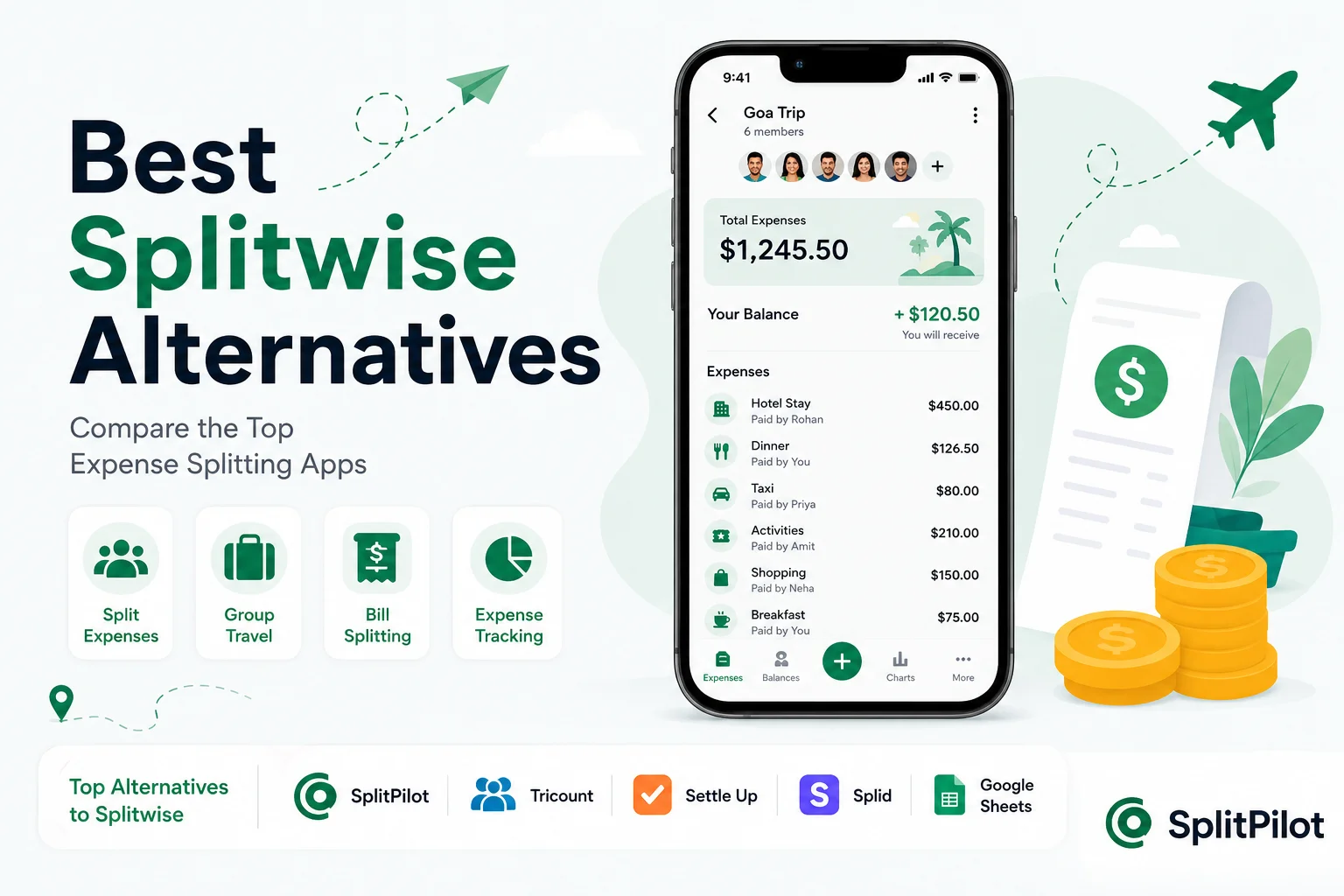
Managing shared expenses can quickly become frustrating. Whether you're traveling with friends, sharing rent with roommates, planning a wedding, or organizing a group event, keeping track of who paid for what is often harder than expected.
For years, Splitwise has been the go-to expense-sharing app. However, many users are now searching for alternatives due to feature limitations, subscription costs, or a desire for a simpler experience.
The good news is that there are several excellent alternatives available today. Some focus on travel expenses, others are designed for roommates, and some offer completely free expense tracking.
In this guide, we'll compare the best Splitwise alternatives in 2026 and help you choose the right app for your needs.
Why People Are Looking for Splitwise Alternatives
Splitwise remains popular, but users commonly look for alternatives because of:
Premium features locked behind a subscription
Increasing limitations on free accounts
Overly complex interface for casual users
Better travel-focused apps becoming available
Need for faster group expense management
For many users, especially travelers, the goal is simple:
Track expenses, split costs fairly, and settle balances quickly.
That's where newer apps are gaining popularity.
What Makes a Good Expense Splitting App?
Before comparing alternatives, let's define what actually matters.
A good expense tracking app should offer:
Easy Expense Entry
Nobody wants to spend several minutes entering every coffee, taxi ride, or restaurant bill.
Automatic Bill Splitting
The app should calculate balances instantly.
Group Management
Users should be able to create groups for:
Trips
Roommates
Couples
Weddings
Events
Shared households
Mobile-Friendly Experience
Most expenses are entered on the go.
Clear Settlement Calculations
The app should tell users exactly who owes whom.
Free or Affordable Pricing
Many users simply want a free split bill app that works.
1. SplitPilot
Best for Travel Groups and Shared Expenses
SplitPilot is a modern expense-splitting platform designed for people who want a fast and simple way to manage group expenses.
Unlike many traditional expense-sharing tools, SplitPilot focuses heavily on usability and travel expense tracking.
Key Features
Create trip groups instantly
Track shared expenses
Automatic balance calculations
Mobile-friendly design
Quick expense entry
Real-time updates
Pros
✅ Easy to learn
✅ Fast setup
✅ Excellent for travel groups
✅ Simple settlement tracking
✅ Clean interface
Cons
❌ Fewer advanced accounting features than enterprise tools
Who Should Use SplitPilot?
SplitPilot works especially well for:
Travelers
Backpackers
Friend groups
Weekend trips
Road trips
Couples traveling together
If you frequently need to split expenses online, SplitPilot provides one of the simplest experiences available.
2. Tricount
Best for International Travelers
Tricount has become increasingly popular among European travelers.
Its simple approach makes it attractive for vacation groups.
Pros
Multi-currency support
Travel-focused
User-friendly design
Good reporting
Cons
Fewer integrations
Less flexible debt settlement
Best For
International trips
Vacation planning
Backpacking groups
3. Settle Up
Best for Roommates
Settle Up focuses on long-term expense tracking.
It works particularly well for people who regularly share bills.
Pros
Cloud sync
Detailed reports
Debt simplification
Cons
Slight learning curve
More features than casual users need
Best For
Roommates
Shared households
Long-term expense groups
4. Splid
Best Lightweight Expense Splitting App
Splid offers a minimalist approach.
Its goal is simple:
Track expenses and calculate balances.
Pros
Very easy to use
Lightweight
Fast setup
Cons
Limited advanced features
Basic reporting
Best For
Small trips
Weekend getaways
Casual expense sharing
5. Google Sheets
Best Free Manual Solution
Many people still use spreadsheets for expense tracking.
Google Sheets offers complete flexibility but requires manual calculations.
Pros
Completely free
Fully customizable
Accessible anywhere
Cons
Time-consuming
Error-prone
No automatic debt calculation
Best For
Spreadsheet enthusiasts
Advanced users
Custom expense systems
6. Venmo Groups
Best for US-Based Users
Venmo offers built-in payment functionality alongside expense tracking.
Pros
Direct payments
Familiar interface
Fast transfers
Cons
Limited outside the United States
7. Splittr
Best for Offline Travel
Splittr allows users to track expenses even without internet access.
Pros
Works offline
Travel-friendly
Simple interface
Cons
Limited collaboration features
8. Kittysplit
Best Browser-Based Option
Kittysplit doesn't require app installation.
Pros
No downloads
Fast setup
Browser-based
Cons
Limited mobile experience
Comparison Table
App | Best For | Free Plan | Travel-Friendly | Ease of Use |
SplitPilot | Group Travel | Yes | Excellent | Excellent |
Tricount | International Trips | Yes | Excellent | Good |
Settle Up | Roommates | Yes | Good | Good |
Splid | Small Groups | Yes | Good | Excellent |
Google Sheets | Manual Tracking | Yes | Average | Average |
Venmo Groups | US Users | Yes | Average | Good |
Splittr | Offline Travel | Yes | Good | Excellent |
Kittysplit | Browser Users | Yes | Good | Excellent |
Why Travelers Are Switching to SplitPilot
Travel expenses are different from household expenses.
A typical trip involves:
Hotels
Flights
Food
Transportation
Activities
Shopping
Emergency expenses
Managing these manually becomes difficult.
SplitPilot simplifies the process by helping users:
Record expenses instantly
Track group balances
Split costs fairly
Settle debts efficiently
For people who regularly split travel expenses, simplicity often matters more than advanced accounting features.
Real Example: Weekend Trip with Friends
Imagine four friends traveling to Goa.
Expenses include:
Expense | Amount |
Hotel | $300 |
Taxi | $80 |
Food | $150 |
Activities | $200 |
Total = $730
Instead of calculating everything manually, a bill splitting app automatically determines:
Who paid
Who owes money
How much each person should reimburse
This eliminates confusion and prevents disputes.
How to Choose the Right Expense Splitting App
Choose based on your primary use case.
For Travel
Use SplitPilot or Tricount.
For Roommates
Use Settle Up.
For Simplicity
Use Splid.
For Full Customization
Use Google Sheets.
For Browser-Only Access
Use Kittysplit.
Frequently Asked Questions
What is the best alternative to Splitwise?
For travel and group trips, SplitPilot is one of the strongest alternatives because it focuses on simple expense tracking and fast settlement calculations.
Are there free alternatives to Splitwise?
Yes. SplitPilot, Tricount, Splid, Kittysplit, and Google Sheets all offer free ways to track shared expenses.
Which app is best for group travel?
Apps designed around travel workflows generally perform better for vacation groups than generic budgeting tools.
Can I split expenses without downloading an app?
Yes. Browser-based tools like Kittysplit allow expense sharing without installation.
Is Google Sheets good for expense splitting?
It works but requires manual calculations and ongoing maintenance.
Related Articles
If you're researching expense-sharing tools, check out:
Free Alternatives to Splitwise
Which Expense Splitting App Is Best?
Best Bill Splitter Apps for Travelers
Expense Tracking App Comparison Guide
These resources can help you choose the right solution based on your specific use case.
Final Thoughts
The best Splitwise alternative depends on how you manage expenses.
If you need a solution for travel groups, shared activities, and quick expense tracking, SplitPilot offers one of the simplest and most user-friendly experiences available today.
Whether you're planning a vacation, sharing rent, organizing a wedding, or managing everyday group expenses, the right expense splitter can save time, reduce confusion, and help everyone stay on the same page.