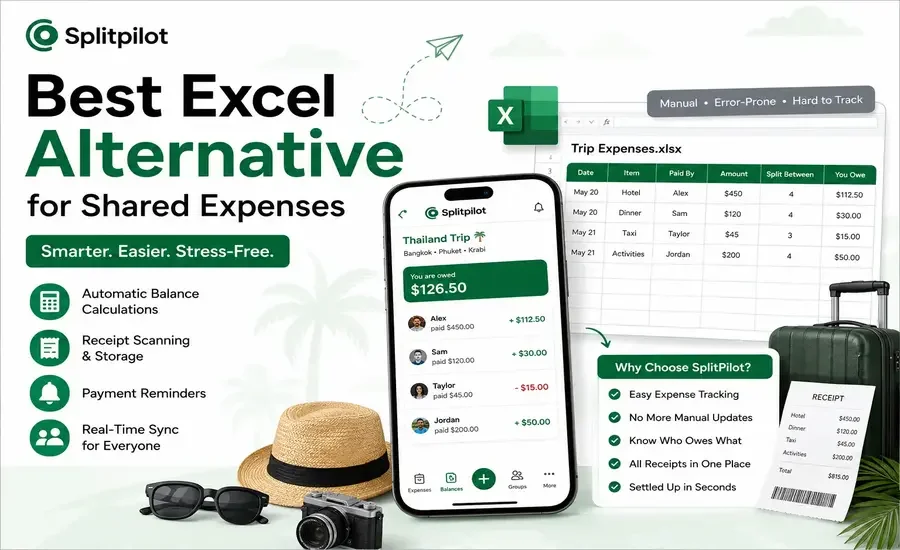
Spreadsheets have been the go-to tool for tracking shared expenses for years. They're flexible, familiar, and easy to set up but they weren't designed specifically for splitting bills between friends, roommates, families, or travel groups. As expenses grow and more people get involved, keeping formulas updated and balances accurate can quickly become frustrating. If you're looking for a smarter way to replace Excel, this guide compares the best alternatives and explains what features truly make expense sharing easier.
Why People Use Excel for Shared Expenses
Excel has been a popular choice for years because it's familiar and flexible.
People commonly use spreadsheets to:
Split restaurant bills
Track rent and utility payments
Manage travel expenses
Organize wedding budgets
Record office or team expenses
Track group purchases
With formulas and tables, you can calculate who owes whom.
However, once your group grows or expenses become frequent, spreadsheets start showing their limitations.
Problems with Using Excel for Expense Tracking
1. Manual Data Entry
Every expense has to be entered manually.
Someone in the group must continuously:
Add expenses
Update totals
Check formulas
Correct mistakes
This becomes tedious very quickly.
2. Formula Errors
One accidental edit can break an entire spreadsheet.
Common issues include:
Incorrect totals
Broken formulas
Duplicate entries
Missing calculations
Finding these errors often takes longer than entering the expenses.
3. No Real-Time Notifications
Excel doesn't remind anyone to pay.
You still need to:
Send WhatsApp messages
Text friends
Email reminders
Follow up manually
People often forget simply because there isn't any automatic reminder system.
4. Difficult for Large Groups
Managing expenses for:
10 friends
Multiple roommates
Family vacations
Office teams
becomes increasingly difficult as transactions grow.
Scrolling through dozens of rows isn't an enjoyable experience.
5. No Receipt Storage
With spreadsheets, receipts usually end up:
Lost
Buried in chats
Mixed with photos
Deleted accidentally
Keeping proof of expenses becomes difficult.
6. No Payment Tracking
Excel tells you what should be paid.
It doesn't tell you:
Who has already paid
Who still owes money
When payments were completed
Everything must be updated manually.
What Makes a Better Excel Alternative?
A dedicated expense-sharing app removes most of the manual work.
Here are the features that matter most.
Feature | Excel | Modern Expense App |
Automatic balance calculation | ❌ | ✅ |
Multi-person expense tracking | ⚠️ Limited | ✅ |
Receipt storage | ❌ | ✅ |
Payment reminders | ❌ | ✅ |
Mobile access | ⚠️ Limited | ✅ |
Real-time syncing | ⚠️ Manual | ✅ |
Easy settlement tracking | ❌ | ✅ |
Trip organization | ❌ | ✅ |
AI receipt scanning | ❌ | Available in some apps |
Best Excel Alternatives for Shared Expenses
1. SplitPilot
If your primary goal is splitting expenses instead of building spreadsheets, SplitPilot is designed specifically for that purpose.
Instead of manually updating formulas, you simply add expenses and the app calculates balances automatically.
Useful features include:
Shared expense tracking
Group management
Balance calculations
Receipt storage
Multi-currency support
AI receipt scanning (Premium)
Expense summaries
Cross-platform support
Whether you're traveling, sharing an apartment, or organizing events, it significantly reduces manual work.
You can also try the Split Bill Calculator on SplitPilot when you simply need to calculate everyone's share before adding expenses to a group.
2. Splitwise
One of the most recognized apps for expense sharing.
Pros:
Easy to use
Good group management
Supports recurring expenses
Cons:
Several useful features require a paid subscription.
Free version limitations have increased over time.
3. Tricount
A simple expense-sharing application designed mainly for travel groups.
Best for:
Weekend trips
Vacations
Small friend groups
4. Settle Up
Offers straightforward expense tracking with support for multiple currencies.
Good for:
International travelers
Roommates
Friends sharing regular expenses
Recommended reading:
5. Google Sheets
While still a spreadsheet, Google Sheets is generally a better option than Excel for collaborative editing because everyone can access the same document in real time.
However, it still lacks automation for reminders, settlements, and receipt management.
Excel vs Expense Sharing Apps
Category | Excel | Expense Sharing App |
Setup Time | High | Low |
Daily Updates | Manual | Automatic |
Formula Management | Required | None |
Payment Tracking | Manual | Automatic |
Expense History | Basic | Detailed |
Receipt Management | No | Yes |
Notifications | No | Yes |
Mobile Experience | Average | Excellent |
Best For | Custom calculations | Everyday shared expenses |
Who Should Switch from Excel?
A dedicated expense-sharing app is worth considering if you regularly split costs with:
Roommates
Family members
Friends
Couples
Travel groups
Event organizers
Office teams
Clubs or communities
The more shared transactions you have, the greater the benefit.
Tips for Moving Away from Excel
Switching doesn't have to be complicated.
A simple approach is:
Finish your current spreadsheet.
Create a group in your expense-sharing app.
Invite everyone involved.
Record new expenses directly in the app.
Store receipts as you add expenses.
Settle balances regularly.
Most users find this process easier than maintaining multiple spreadsheet tabs.
Frequently Asked Questions
Is Excel good for shared expenses?
Excel works for small and infrequent expense tracking, but it becomes difficult to maintain as the number of people and transactions grows.
What is the best Excel alternative for splitting bills?
Dedicated expense-sharing apps such as SplitPilot, Splitwise, Settle Up, and Tricount provide automatic calculations, payment tracking, and group management that spreadsheets lack.
Is Google Sheets better than Excel?
For collaboration, yes. Multiple users can edit the same sheet simultaneously. However, it still requires manual management and doesn't provide features like reminders or receipt storage.
Can I scan receipts with Excel?
No. Excel doesn't include built-in receipt scanning. Some dedicated expense apps offer AI-powered receipt scanning to automatically extract expense details.
Which app is best for roommates?
An app that automatically tracks balances, recurring expenses, and settlements is generally more convenient than maintaining a shared spreadsheet.
Are expense-sharing apps free?
Many apps offer free plans with core features. Premium subscriptions may include advanced tools such as AI receipt scanning, analytics, recurring expenses, or enhanced collaboration.
Final Thoughts
Excel has served as a reliable tool for budgeting and calculations for decades, but shared expense management has evolved. Today's groups expect automatic balance calculations, instant updates, receipt storage, payment reminders, and mobile access features that spreadsheets simply weren't built to provide.
If you only split expenses occasionally, Excel may still be enough. But if you regularly manage shared costs with roommates, friends, family, or travel companions, switching to a dedicated expense-sharing app can save time, reduce errors, and make settling up much simpler.